What is a WhatsApp Business API and Do You Actually Need One?
The Chatbotwala Team
Author
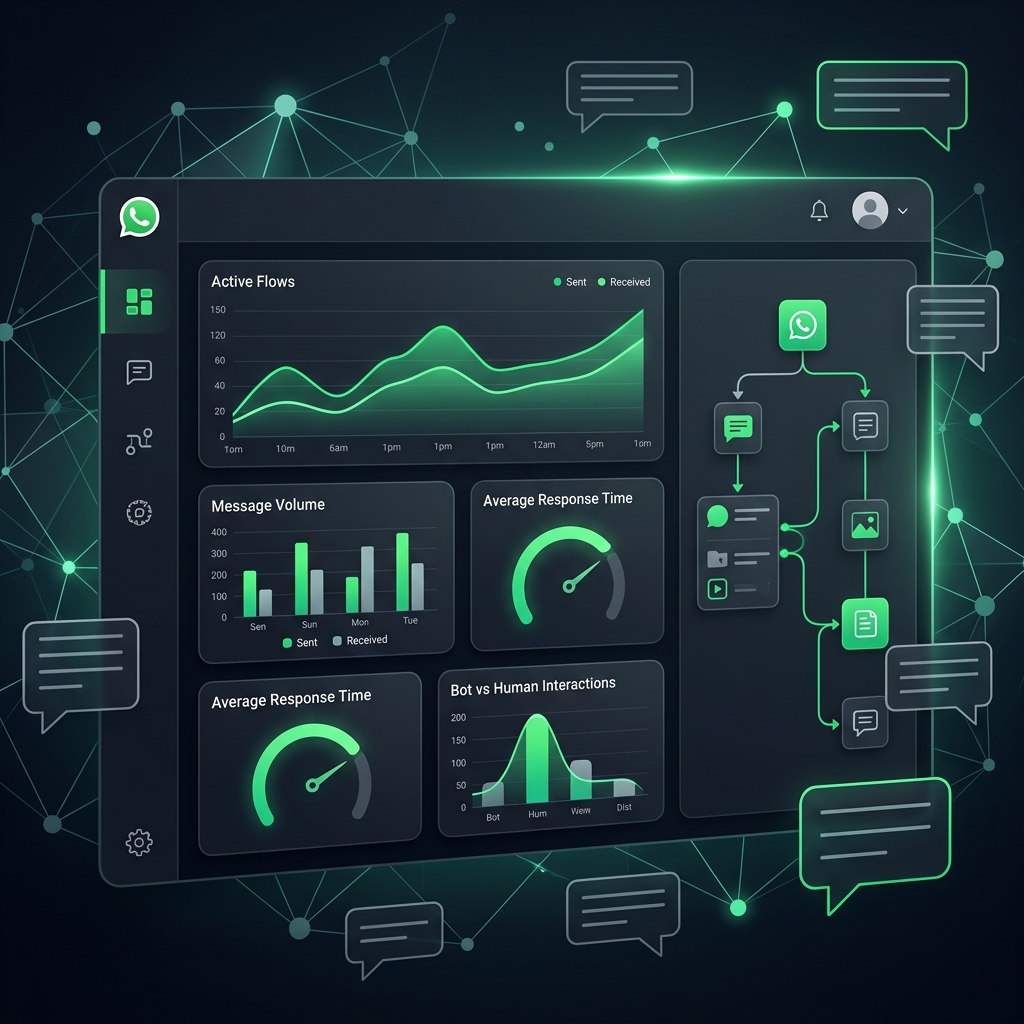
If you've been running your business on the free WhatsApp Business app and someone just told you to "get the API," you've probably got questions. Isn't that the same app? Why does everyone suddenly need something called an "API"? And is this going to cost you a fortune?
Let's clear it up in plain English — what the WhatsApp Business API actually is, how it's different from the app already on your phone, and how to tell if you genuinely need it or if you're fine sticking with what you have.
WhatsApp Business App vs WhatsApp Business API — The Real Difference
The WhatsApp Business app is what most small business owners already use — free, installed on a phone, one person (or a small team on shared devices) replying to chats manually. It's built for exactly that: a single person handling a manageable volume of conversations.
The WhatsApp Business API isn't really an "app" at all. It's a way for other software — a CRM, a chatbot builder, a helpdesk, an automation platform like Chatbotwala — to connect directly to WhatsApp and send or receive messages programmatically. There's no phone screen involved. It's the plumbing that lets your business run WhatsApp at scale: multiple team members in one shared inbox, automated replies, order updates firing the moment a status changes, and broadcast messages going out to thousands of customers at once.
| WhatsApp Business App | WhatsApp Business API | |
|---|---|---|
| Who it's for | Solo owners, very small teams | Growing businesses, teams, automation |
| Access | One phone, one person at a time | Multiple team members, shared inbox |
| Automation | Basic auto-replies only | Full chatbot flows, CRM integration |
| Broadcasts | Manual, limited | Bulk, scheduled, segmented |
| Cost | Free | Per-message fee + platform cost |
Neither one is "better" in the abstract — they solve different problems at different stages of a business.
So Do You Actually Need the API?
Here's a quick gut-check. You're probably fine with the free app if:
- You're getting maybe a few dozen WhatsApp conversations a week, and one person can keep up.
- You don't need more than one device logged in at a time.
- You're not losing track of leads or forgetting to follow up.
You've probably outgrown it if any of this sounds familiar:
- Messages are piling up faster than your team can reply, and customers are waiting hours (or longer) for a response.
- You want more than one team member replying from the same WhatsApp number without passing a phone around.
- You're manually sending the same order confirmations, appointment reminders, or shipping updates over and over.
- You want to run a promotional broadcast to your customer list and the app's limits are getting in the way.
- You're already using a CRM or ecommerce platform, and you want WhatsApp conversations to show up there instead of living separately on a phone.
If two or three of those are true, the API isn't a luxury upgrade — it's the thing that stops WhatsApp from becoming a bottleneck in your business.
What It Actually Costs
This is where a lot of confusion comes in, because the cost has two separate parts:
- Meta's per-conversation fee — this goes to WhatsApp/Meta directly, based on the type and volume of messages you send. It's the same no matter which platform you connect through.
- The platform fee — what you pay a provider (like Chatbotwala) for the tools built on top of the API: the shared inbox, the chatbot builder, the CRM, the automation engine.
A lot of providers quietly mark up that first fee, which is where WhatsApp automation pricing gets murky. Worth asking directly: does your provider add a markup on the Meta messaging cost, or do you pay Meta's rate with no markup?
It's Not Just About WhatsApp Anymore
Here's the part most guides on this topic skip: your customers aren't only messaging you on WhatsApp. They're DMing you on Instagram, messaging your Facebook Page, and asking questions through your website's chat widget — and if those all live in separate places, you're back to the exact problem the API was supposed to solve, just spread across four apps instead of one.
This is why Chatbotwala doesn't stop at WhatsApp. It brings WhatsApp Business, Facebook Messenger, Instagram DMs, and your website's Web Widget into one unified automation platform — one inbox, one bot builder, one place to see the full conversation with a customer no matter which channel they used to reach you. If you're evaluating a WhatsApp API provider anyway, it's worth asking whether they can do the same for the rest of your channels, or whether you'll end up stitching together four separate tools later.
Getting Started
You don't have to commit to a large plan to find out if this is right for you. Start with a free trial, connect your WhatsApp number, and see how a shared inbox and a basic automated flow feel for a week before deciding whether to scale up. That's usually a faster way to answer "do I need this?" than reading another guide.
Frequently Asked Questions
Is the WhatsApp Business API free?
The platform tools around it (like Chatbotwala) have their own pricing, but the API access itself involves Meta's per-conversation messaging fees — it isn't free the way the WhatsApp Business app is.
Can I use my existing WhatsApp number for the API?
In most cases yes, though the number needs to be verified and migrated to API access, and it can no longer be used in the regular WhatsApp Business app at the same time.
Do I need a developer to set up the WhatsApp Business API?
Not with a no-code platform like Chatbotwala — the bot builder and inbox are designed to be set up by a business owner or marketer, no coding required.
Is WhatsApp API only useful for large businesses?
No — small businesses with even a handful of daily conversations benefit once they need more than one person replying, or want to stop manually repeating the same messages.
What's the difference between WhatsApp API and a WhatsApp chatbot?
The API is the connection that makes messaging possible at scale; the chatbot is what you build on top of it to automate replies, flows, and follow-ups.